

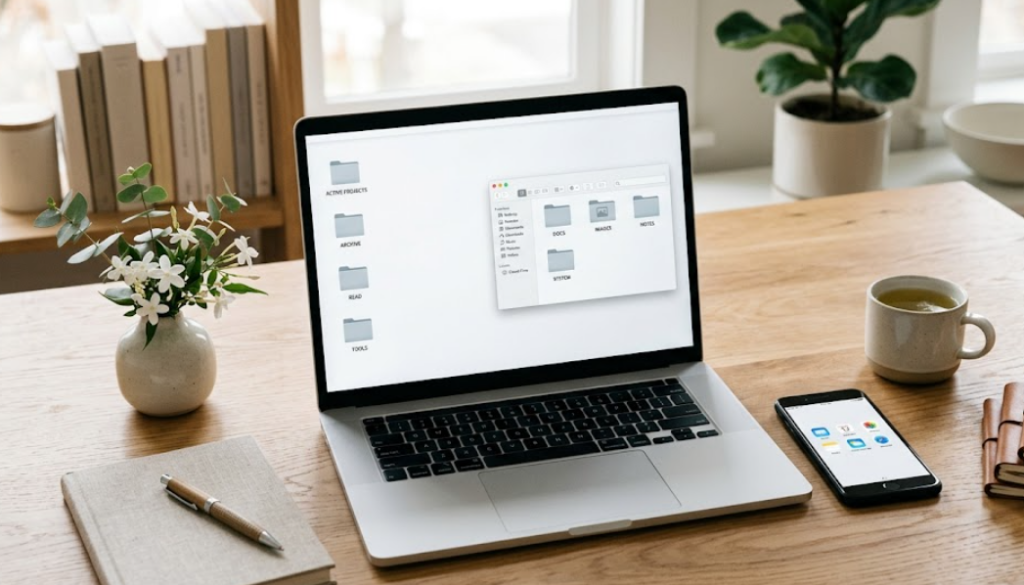
Digital clutter builds up quietly—thousands of photos, unused apps, messy desktops, and overflowing inboxes. Unlike physical mess, it’s less visible, but it can still slow down your devices and increase stress. In fact, overloaded storage can even reduce performance, making phones and PCs feel sluggish over time.
The good news? A few simple habits can dramatically clean up your digital life—and keep it that way.
1. Start With the Biggest Space Hogs
Photos, videos, and downloads are usually the main culprits. Go through your camera roll and delete duplicates, blurry shots, and unnecessary screenshots. Moving important files to cloud storage or a backup device can instantly free up space.
This single step often creates the biggest improvement, especially on smartphones where storage fills up quickly.
2. Delete Apps and Files You Don’t Use
Unused apps and old files quietly pile up over time. Take a few minutes to scan your phone and computer for anything you haven’t used recently and remove it.
Many devices even offer automatic tools to offload unused apps or clean temporary files. Regularly clearing your downloads folder, cache, and recycle bin can also improve performance and free space.
Think of it like cleaning your room—if you don’t use it, you probably don’t need it.
3. Tame Your Inbox and Notifications
Email overload is a major source of digital stress. One effective trick is to “sweep” your inbox—move old messages into a folder so you can start fresh without losing anything.
Also, unsubscribe from newsletters you never read and turn off non-essential notifications. This reduces distractions and helps you focus on what actually matters.
A cleaner inbox and fewer alerts can make your entire digital experience feel calmer.
4. Organize Files Into Simple Systems
A messy desktop or file system makes it harder to find what you need. Create clear folders like “Work,” “Personal,” and “Important Documents,” and move files into the right places.
Avoid overcomplicating things—simple organization works best. Consistent naming and basic categories can save you time and frustration later.
The goal isn’t perfection—it’s making your files easy to locate when you need them.
5. Build a Maintenance Routine
Cleaning once isn’t enough—digital clutter comes back quickly. Set aside a few minutes each week to delete unnecessary files, organize new content, and clear out junk.
Even short sessions—like 10–15 minutes—can prevent clutter from building up again. Regular maintenance reduces stress and keeps your devices running smoothly.
Consistency is what turns a one-time cleanup into a lasting habit.
Final Thoughts
Digital clutter isn’t just about storage—it affects your productivity, focus, and even your peace of mind. By deleting what you don’t need, organizing what you keep, and maintaining simple habits, you can take control of your digital space for good.
A cleaner phone or PC doesn’t just run better—it feels better to use every day.
Read also: April’s Best Laptop Deals
News Source: Pcmag.com
Leave a Reply