

For years, Google has been the default gateway to the internet—fast, familiar, and deeply embedded in our daily routines. But with the rise of AI-powered tools like Perplexity AI, a new question is emerging: Can you actually replace Google Search altogether?

I decided to find out by ditching Google for a full week and relying entirely on Perplexity. Here’s how it went—and how you can try it yourself.
Why Even Consider Switching?
Traditional search engines give you links. You click, scan, compare, and repeat. It works—but it’s time-consuming.
Perplexity flips that model. Instead of just listing results, it delivers direct answers, backed by sources, using AI. Think of it as a hybrid between a search engine and a conversational assistant.
The promise?
Less clicking. Faster answers. More context.
How to Replace Google Search with Perplexity
If you want to try this yourself, here’s exactly what I did.
1. Make Perplexity Your Default Tool
The first step is simple but important: commit to the switch.
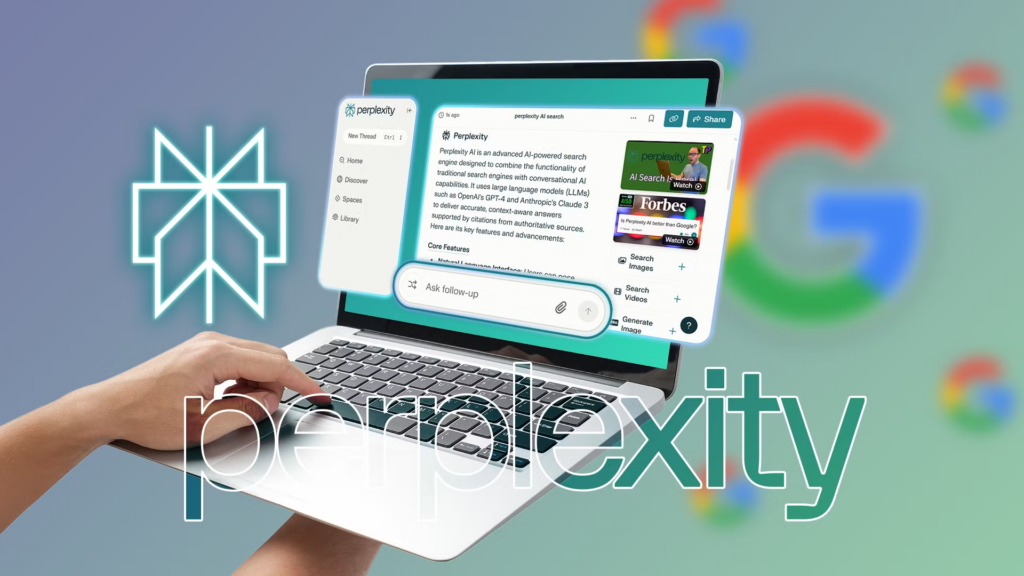
- Google & Perplexity
- Use it as your homepage (optional)
- Resist the urge to “just Google it”
This mental shift is key—otherwise, you’ll fall back into old habits.

2. Use It for Everything (Yes, Everything)
For 7 days, I used Perplexity for:
- News updates
- Product research
- How-to guides
- Quick facts
- Travel planning
Instead of typing keywords like “best budget headphones,” I asked full questions like:
Perplexity handled this conversational style far better than traditional search.
3. Verify Sources When It Matters
One thing I appreciated: Perplexity shows citations alongside its answers.
Still, I made it a rule:
- For casual queries → trust the summary
- For important info (health, finance, etc.) → double-check sources
This keeps the convenience without sacrificing accuracy.
4. Learn When It Beats Google
By midweek, patterns started to emerge.
Perplexity was better for:
- Summaries of complex topics
- Comparing products or ideas
- Quick research without opening 10 tabs
Google was still better for:
- Navigating to specific websites
- Local searches (restaurants, stores, maps)
- Real-time updates or niche queries
5. Adjust Your Search Style
This is where the real shift happens.
With Google, you search like this:
- “weather Delhi”
- “best laptops 2026”
With Perplexity, you ask:
- “What’s the weather in Delhi today?”
- “Which laptops are best for students in 2026 and why?”
The more natural your question, the better the result.
What Happened After 7 Days
By the end of the experiment, I noticed three big changes:
1. Fewer Tabs, Faster Answers
I wasn’t opening 8–10 links per search anymore. Most of the time, one response was enough.
2. Better Understanding, Not Just Results
Instead of piecing together information, I got structured explanations right away.
3. But Not a Full Replacement (Yet)
Despite the benefits, I couldn’t completely quit Google.
For navigation, maps, and hyper-specific queries, Google still had the edge.
So, Can Perplexity Replace Google?
Short answer: Not entirely—but it can replace a big part of it.
Perplexity excels as a research and learning tool, while Google remains stronger as a navigation and discovery engine.
Final Verdict
Switching to Perplexity AI isn’t about completely abandoning Google—it’s about changing how you search.
If you:
- Want faster, summarized answers
- Prefer conversational queries
- Hate opening endless tabs
…then Perplexity can dramatically improve your workflow.
Should You Try It?
Yes—at least for a week.
You don’t need to delete Google. Just run your own experiment. You might find, like I did, that the future of search isn’t about links—it’s about answers.
Leave a Reply